Dog Walker Central — Feature Highlights
Explore the features for running and growing a pet care business, with embedded product screenshots. The interactive presentation loads when JavaScript is available.
From Meet & Greet to Payment, One Connected Workflow
Manage scheduling, clients, visits, team pay, and business growth with Dog Walker Central.
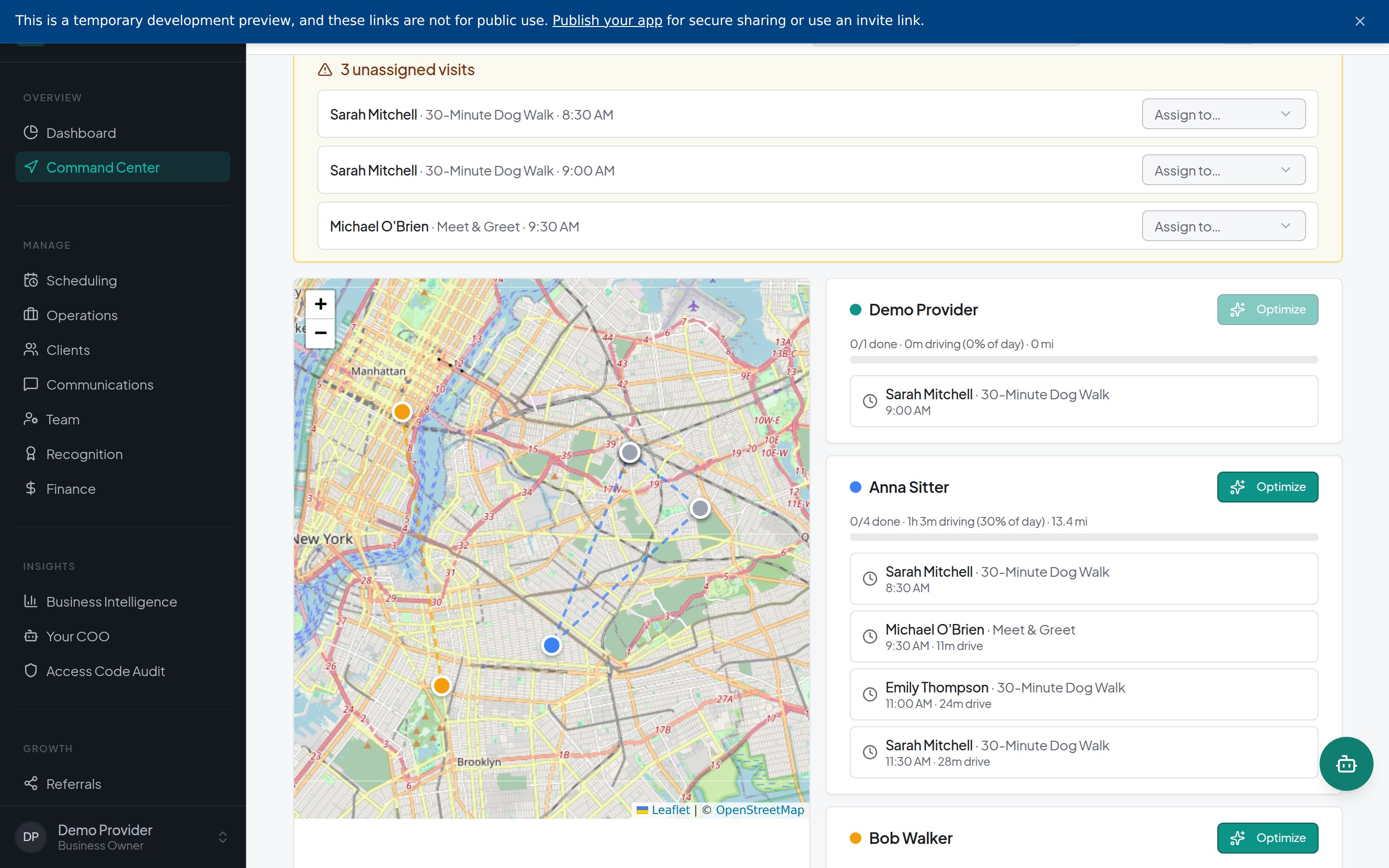
Coordinate Eight Walkers Without Losing Sight of Each Visit
See each walker’s route, assigned visits, and progress together.
Spot unassigned visits and visits at risk of running late.
Identify where coverage needs attention without checking eight separate schedules.

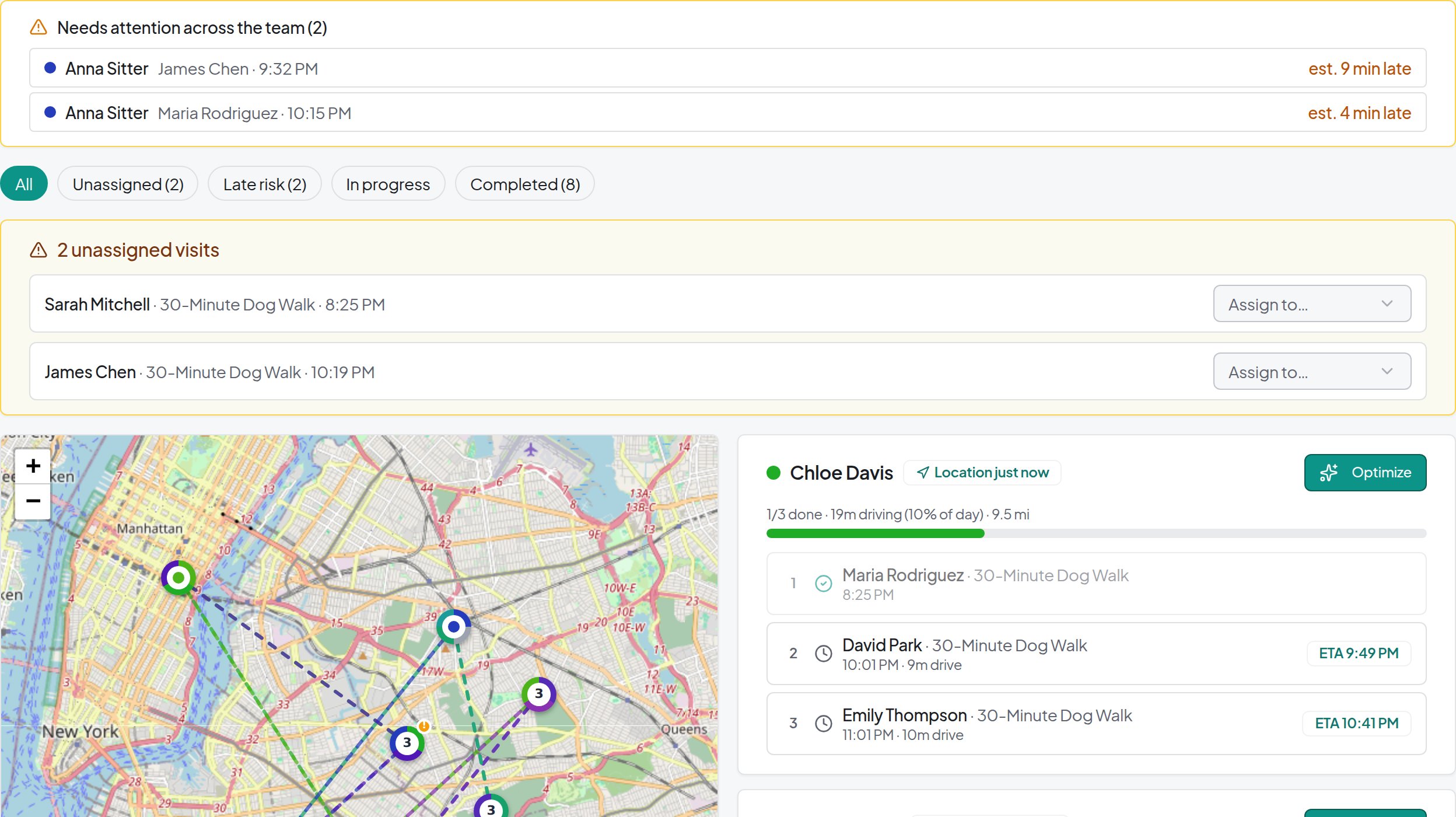
Assign by Familiarity, Capacity, and Distance
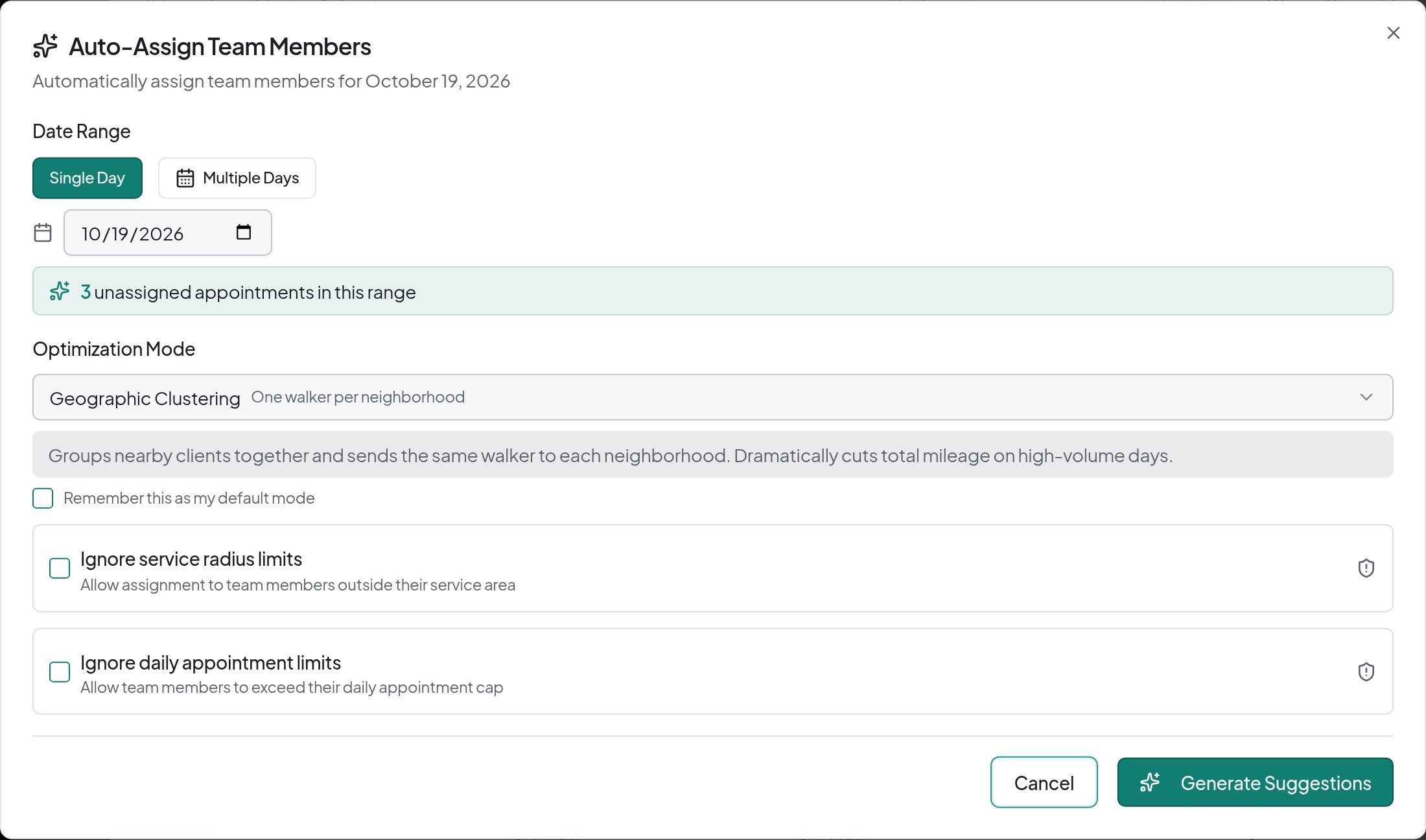
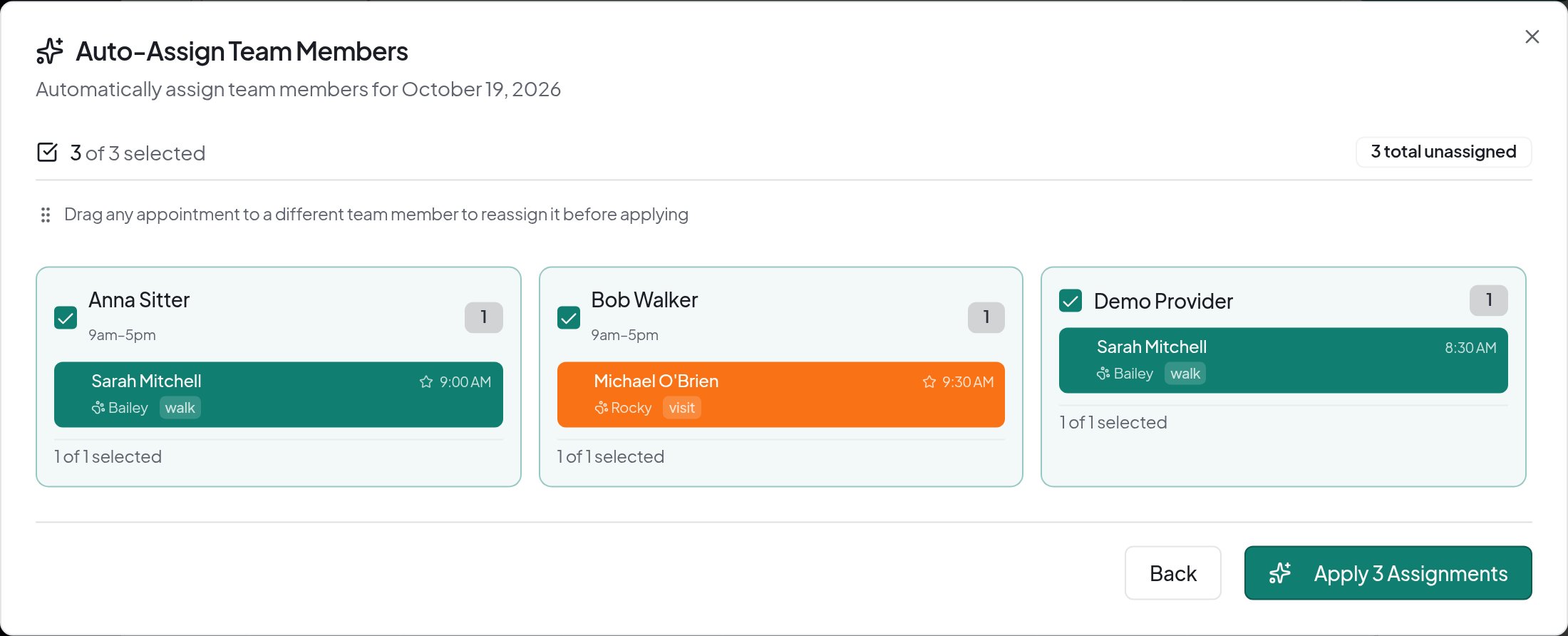
Generate assignment suggestions using workload, familiar pets, and location.
Review availability and capacity restrictions, then apply the assignments you choose.
Bulk Auto-Assign requires Premium.
Assignment suggestions
Reorder Visits With Driving-Time Estimates
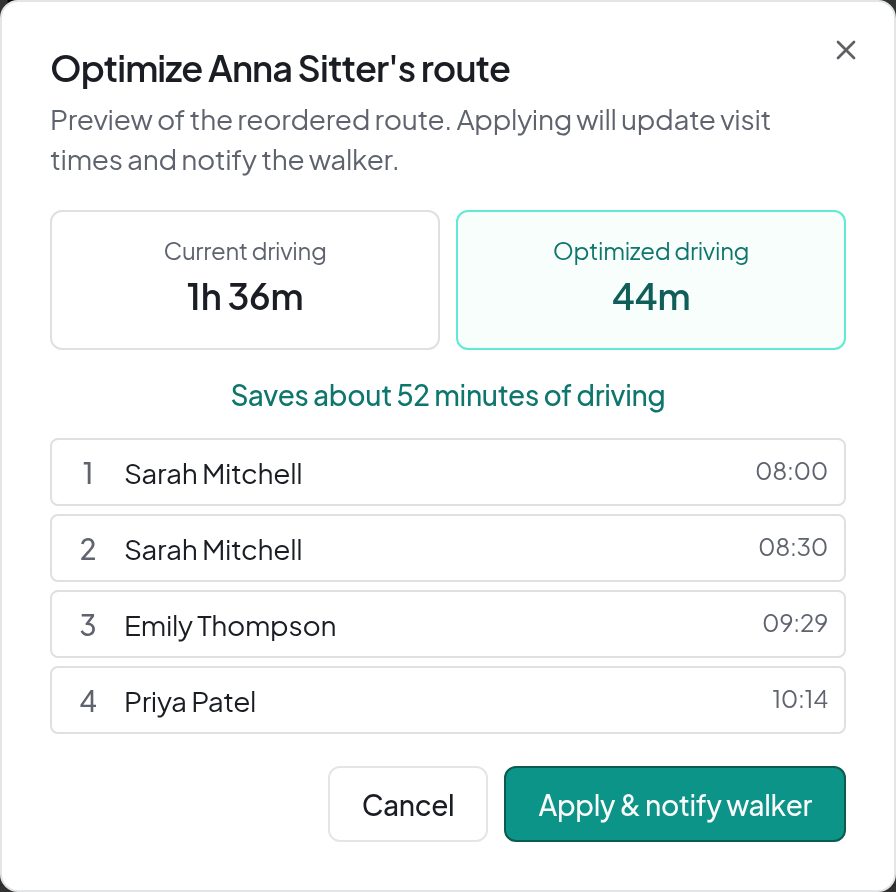
Compare the current schedule with a proposed visit order and driving estimates.
Review timing and warnings before applying changes and notifying the walker.
Close Cancellation Gaps Without Rebuilding the Day
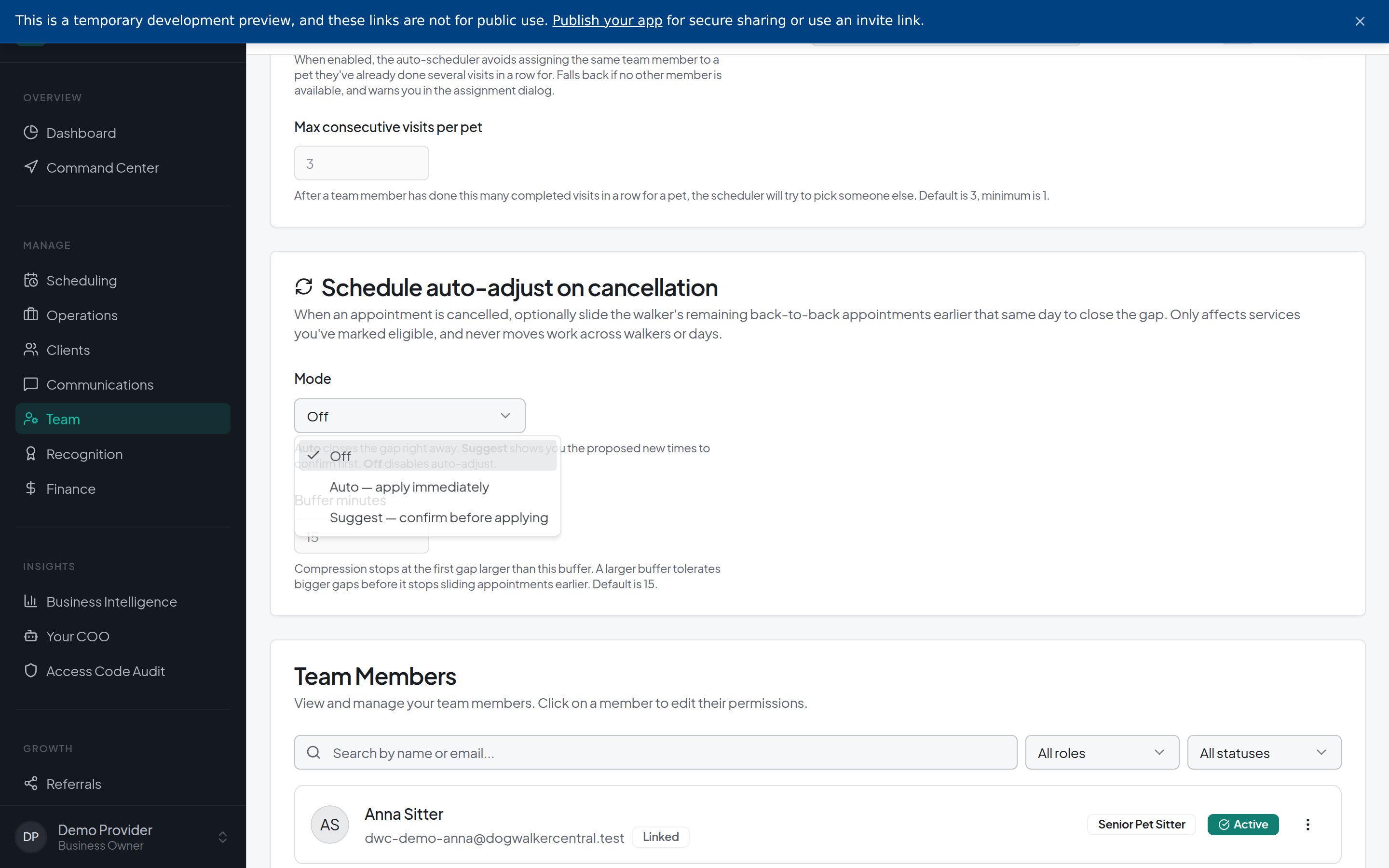
Move eligible visits earlier within the same walker’s day.
Review suggested adjustments or allow automatic changes for enabled services.
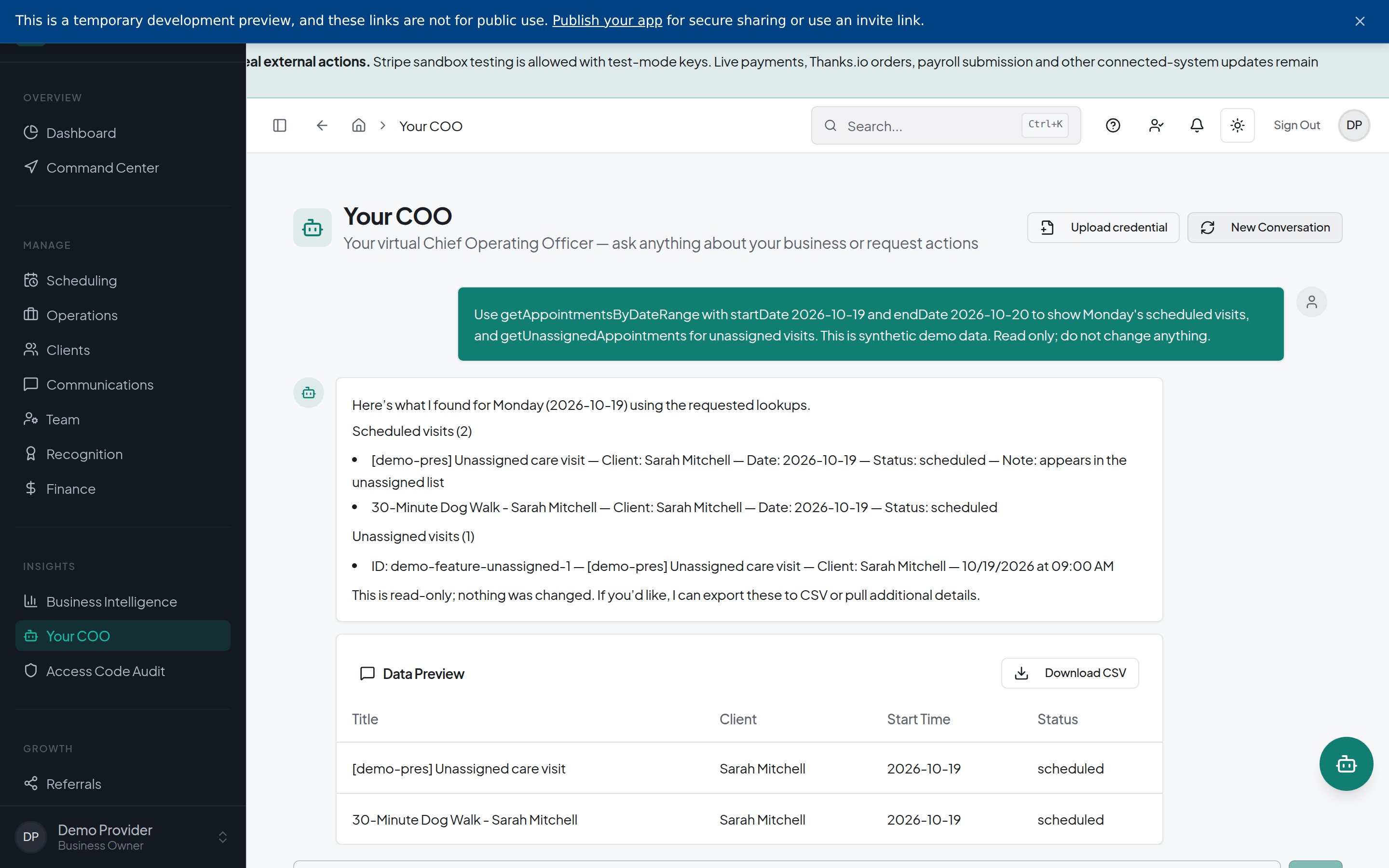
Ask Your COO About Clients, Visits, and Invoices
Ask about clients, appointments, invoices, and business settings.
Get setup guidance and review actions that require your approval.
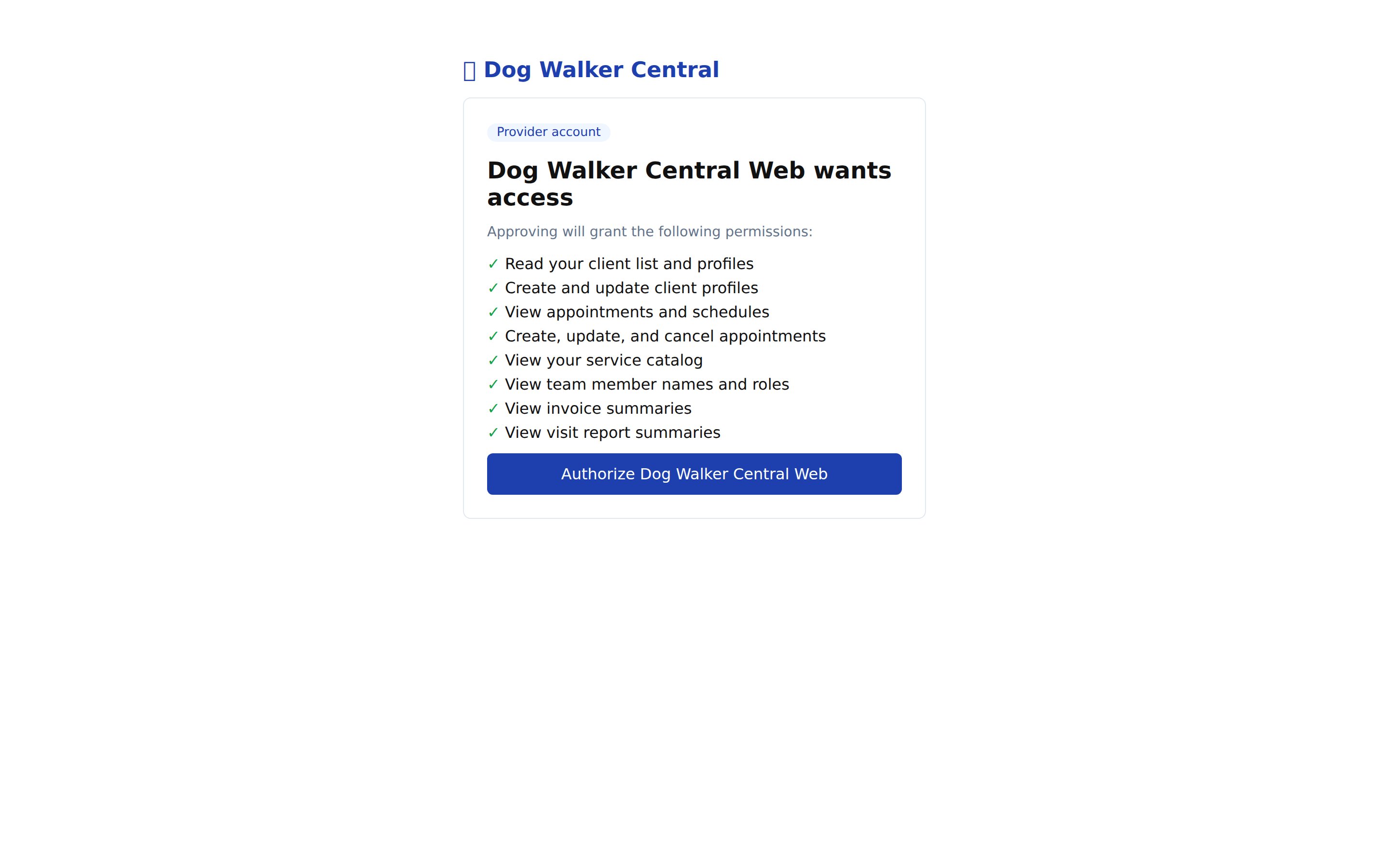
Bring Your Business Tools Into Claude and ChatGPT
Connect a compatible assistant to look up business information and perform supported tasks through chat.
You control which data and actions it can access.
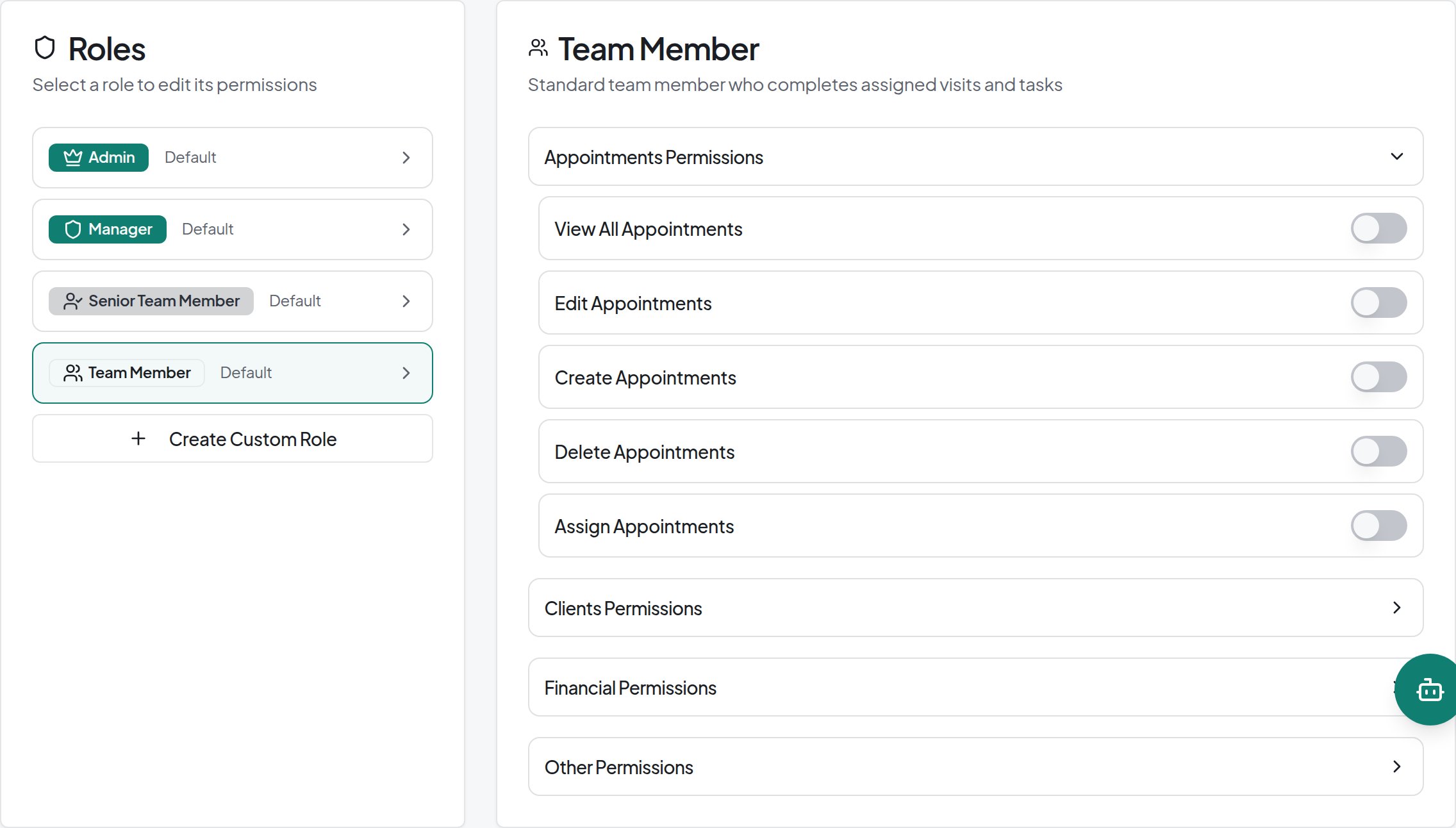
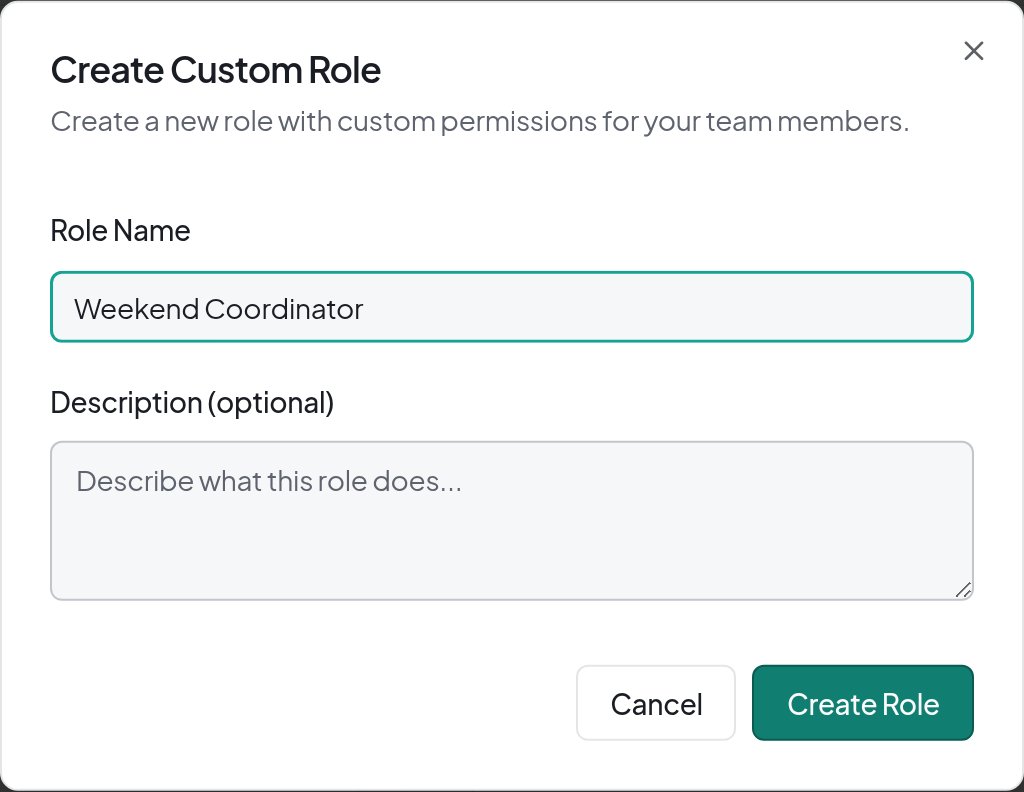
Set Exact Access for Every Team Role
Create a custom role that matches the job.
Use default or custom roles to control access to appointments, clients, finances, messaging, and team management.
Book a Visit by Chat With Your Provider
A connected assistant can check availability and book an individual visit with the client’s provider.
EXAMPLE CONVERSATION
CLIENT
“Book a 30-minute visit for Daisy on Friday at 9 AM.”
ASSISTANT
“Your provider has 9 AM available. Shall I book it?”
CLIENT
“Yes.”
ASSISTANT
“Daisy’s visit is booked for Friday at 9 AM.”
Chat booking supports available individual visits—not overnight stays or provider-approval requests.
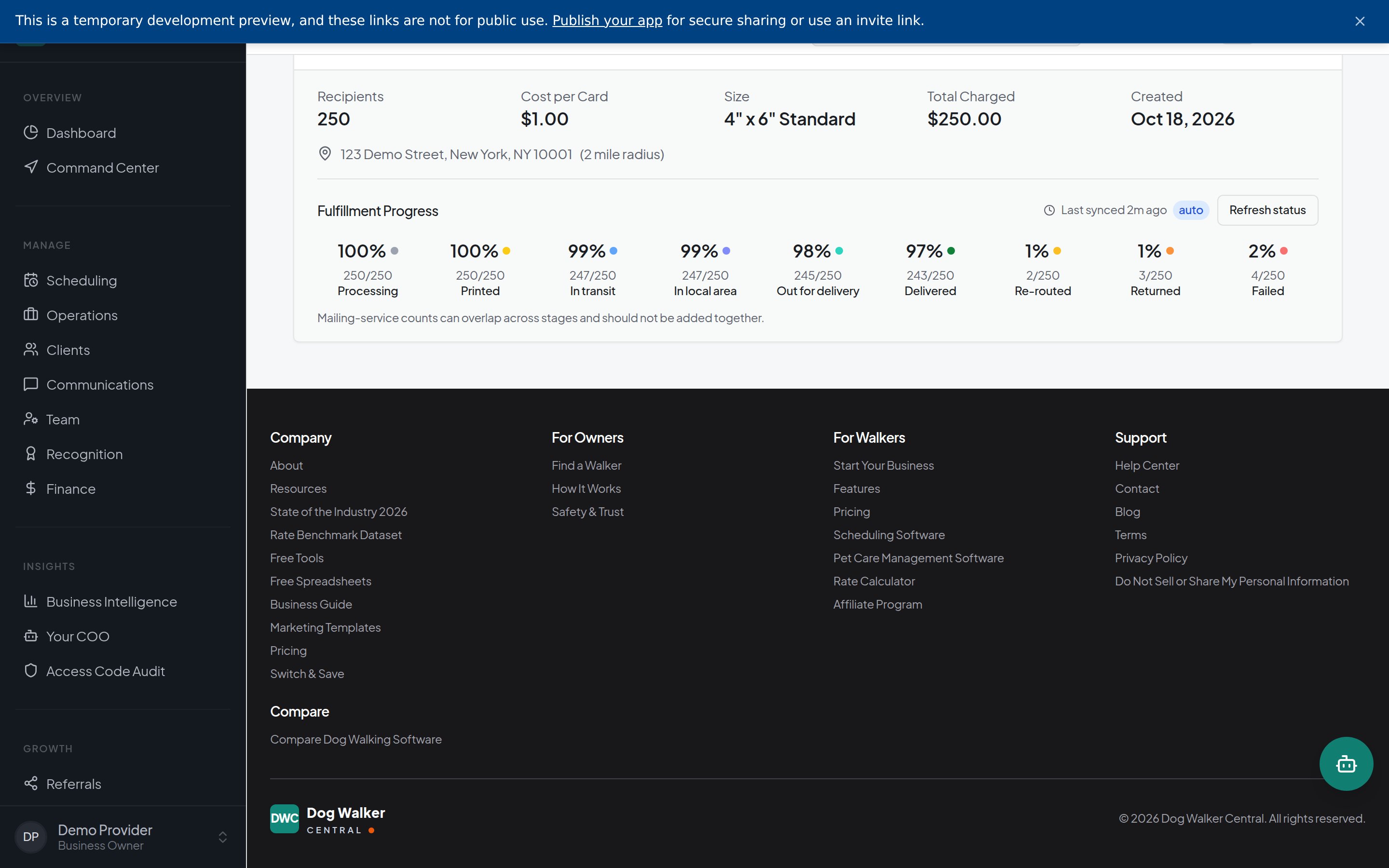
Send Targeted Postcards and Follow Their Progress
Choose an audience, design postcards, and submit campaigns from Dog Walker Central.
Follow fulfillment progress and delivery updates when available.
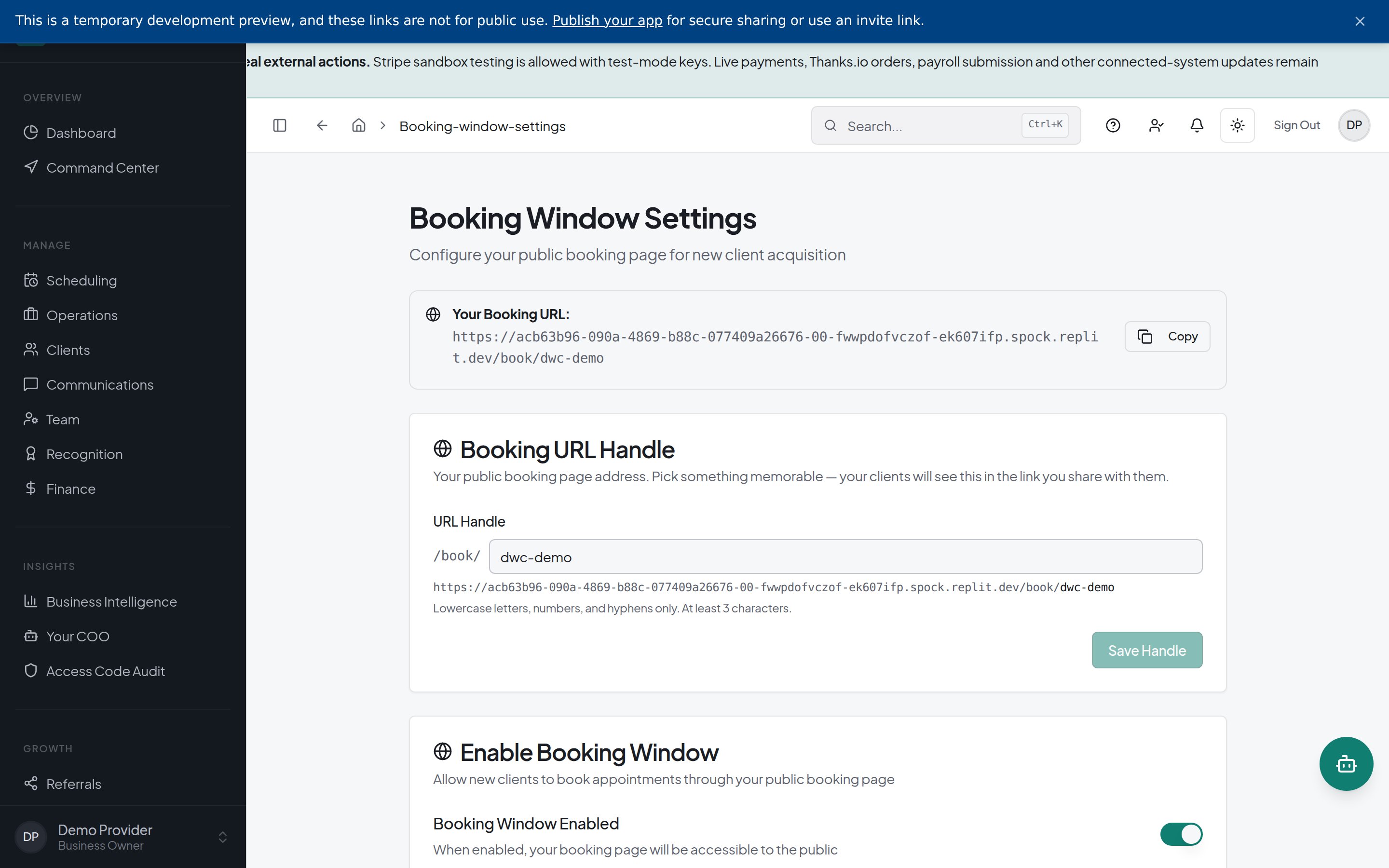
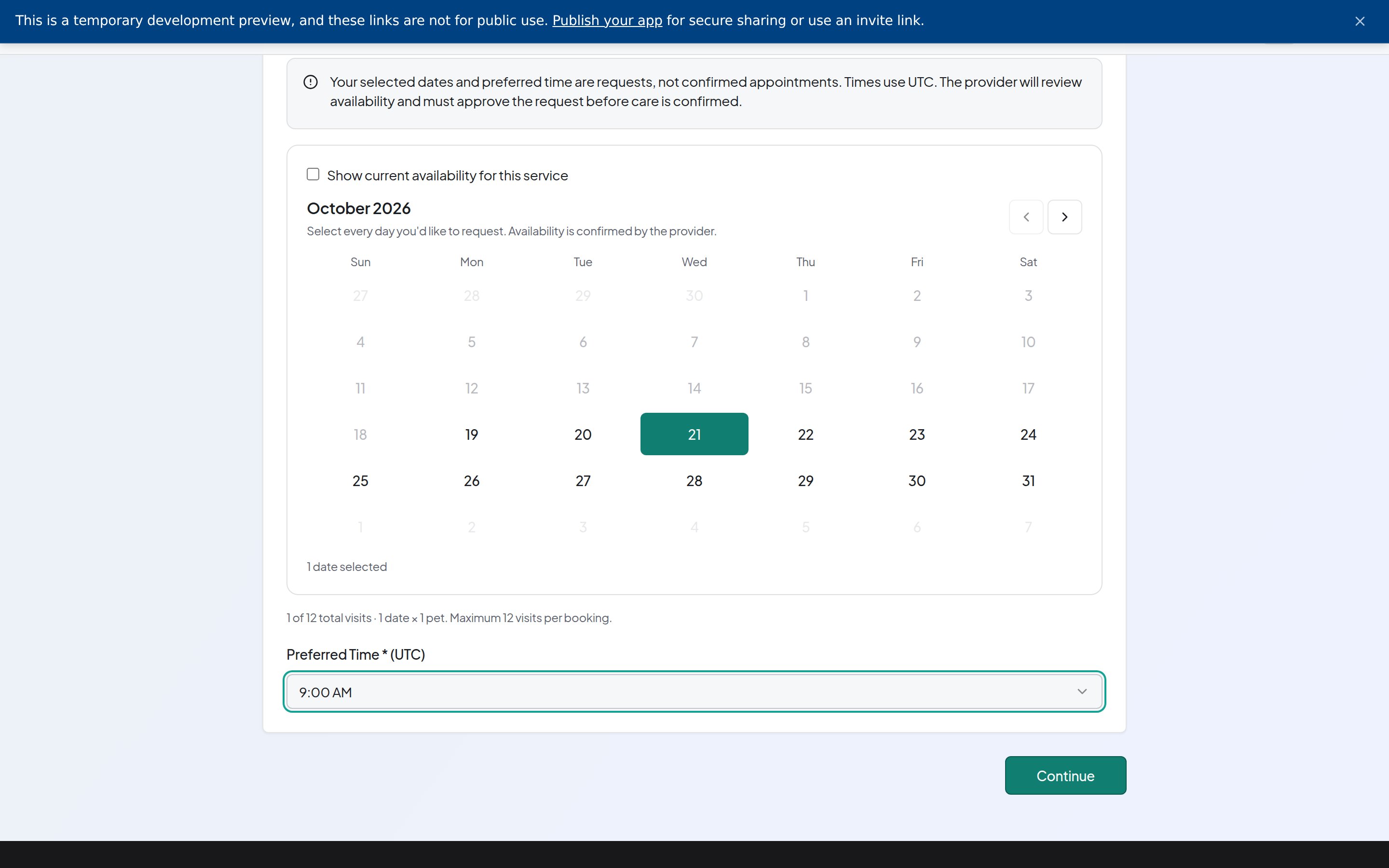
Bookings That Follow Your Hours and Approval Rules
Clients choose services, dates, and visit times or windows, including arrival and departure details for overnight stays.
Your booking settings determine approval and payment requirements.
Client booking page
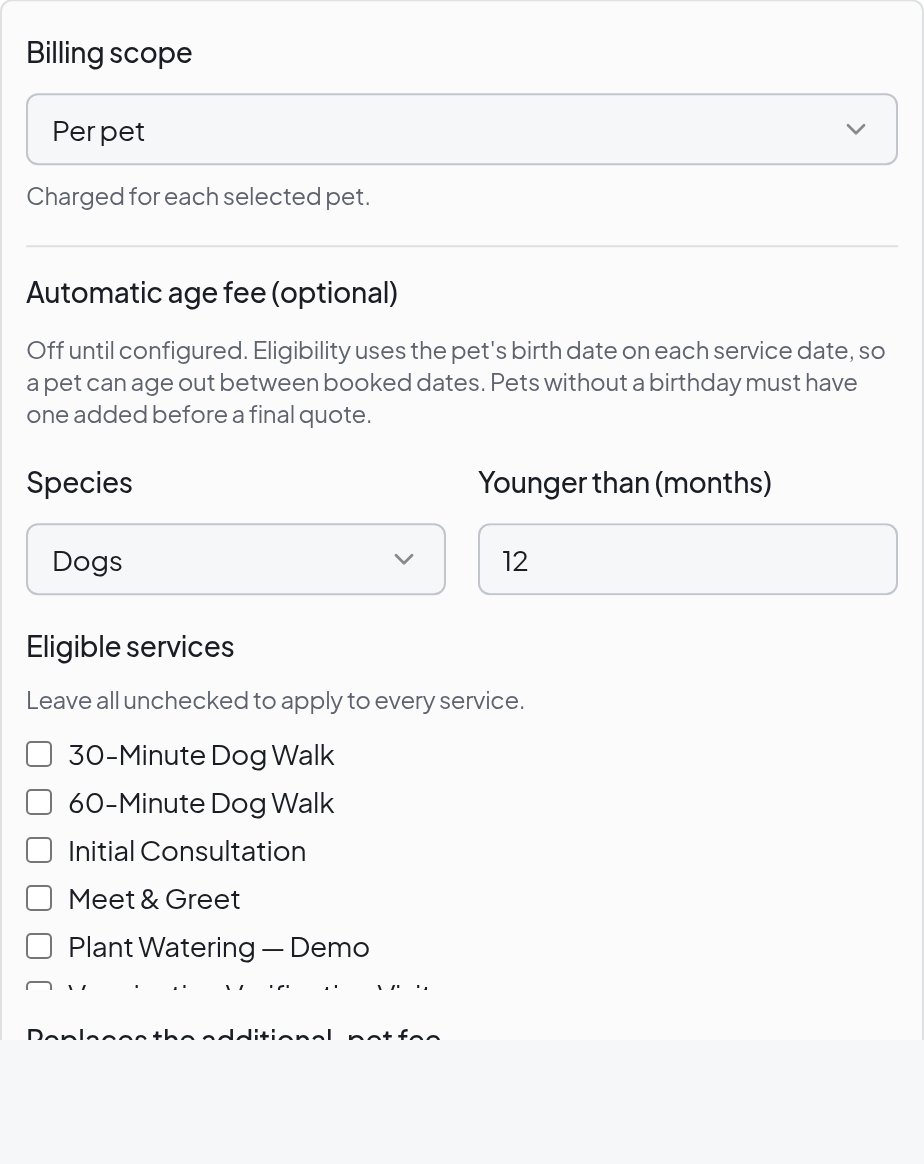
Price Care With Pet, Holiday, and Add-On Rules
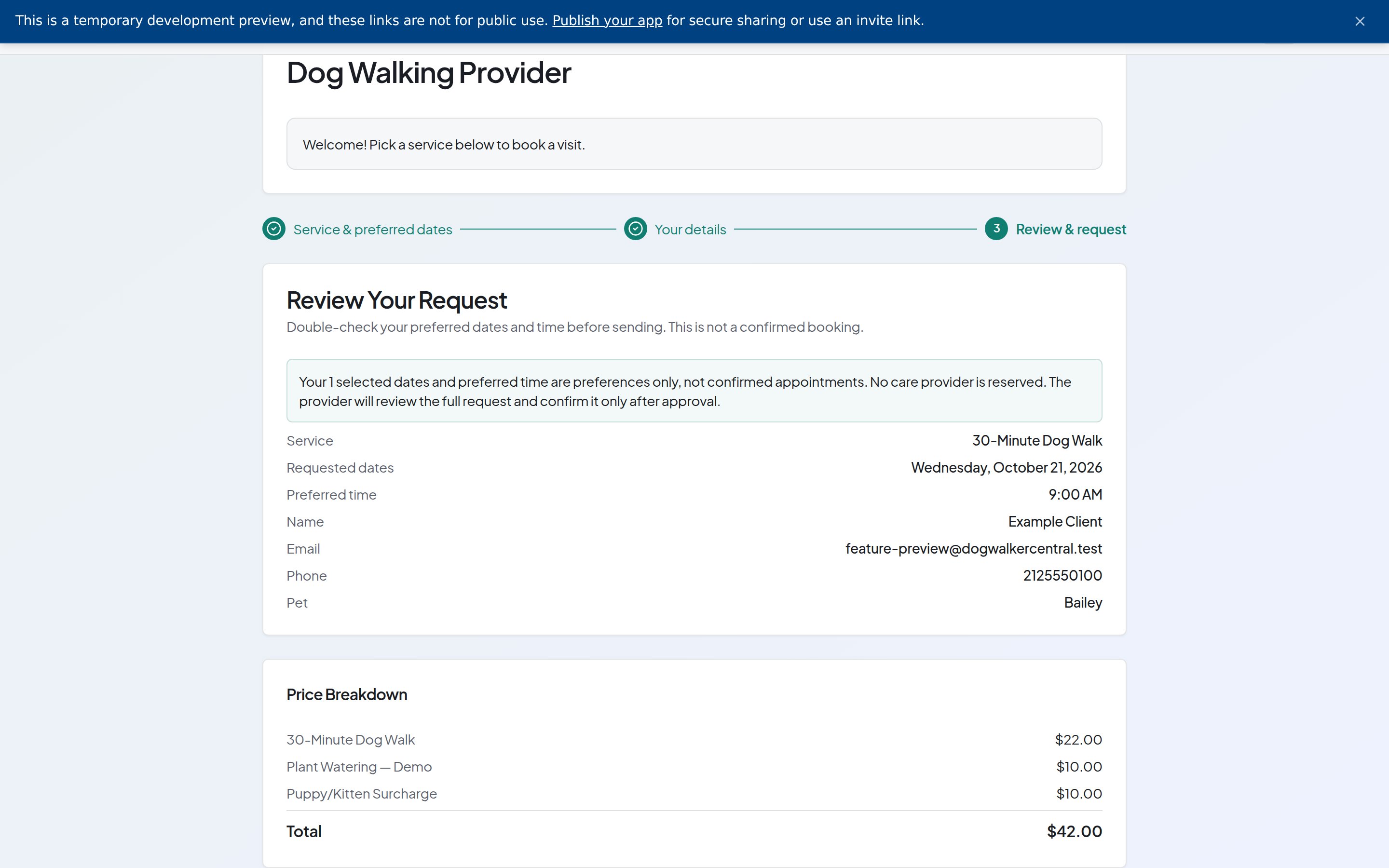
Set service prices and additional charges for pet age, holiday care, and selected add-ons.
Show an itemized price before the booking is submitted.
Pricing rules
Booking price breakdown
GPS Records, Photos, and Care Notes Together
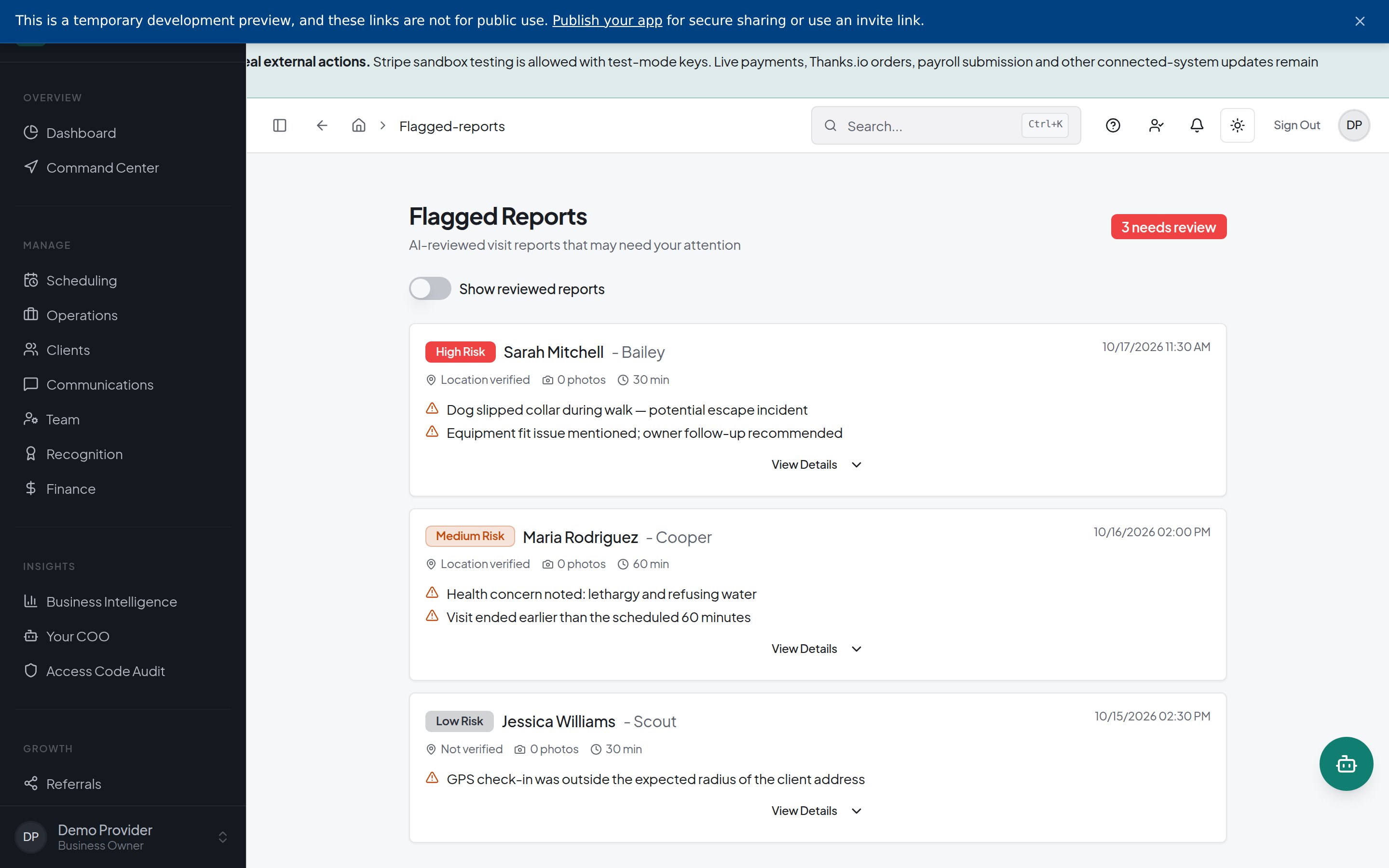
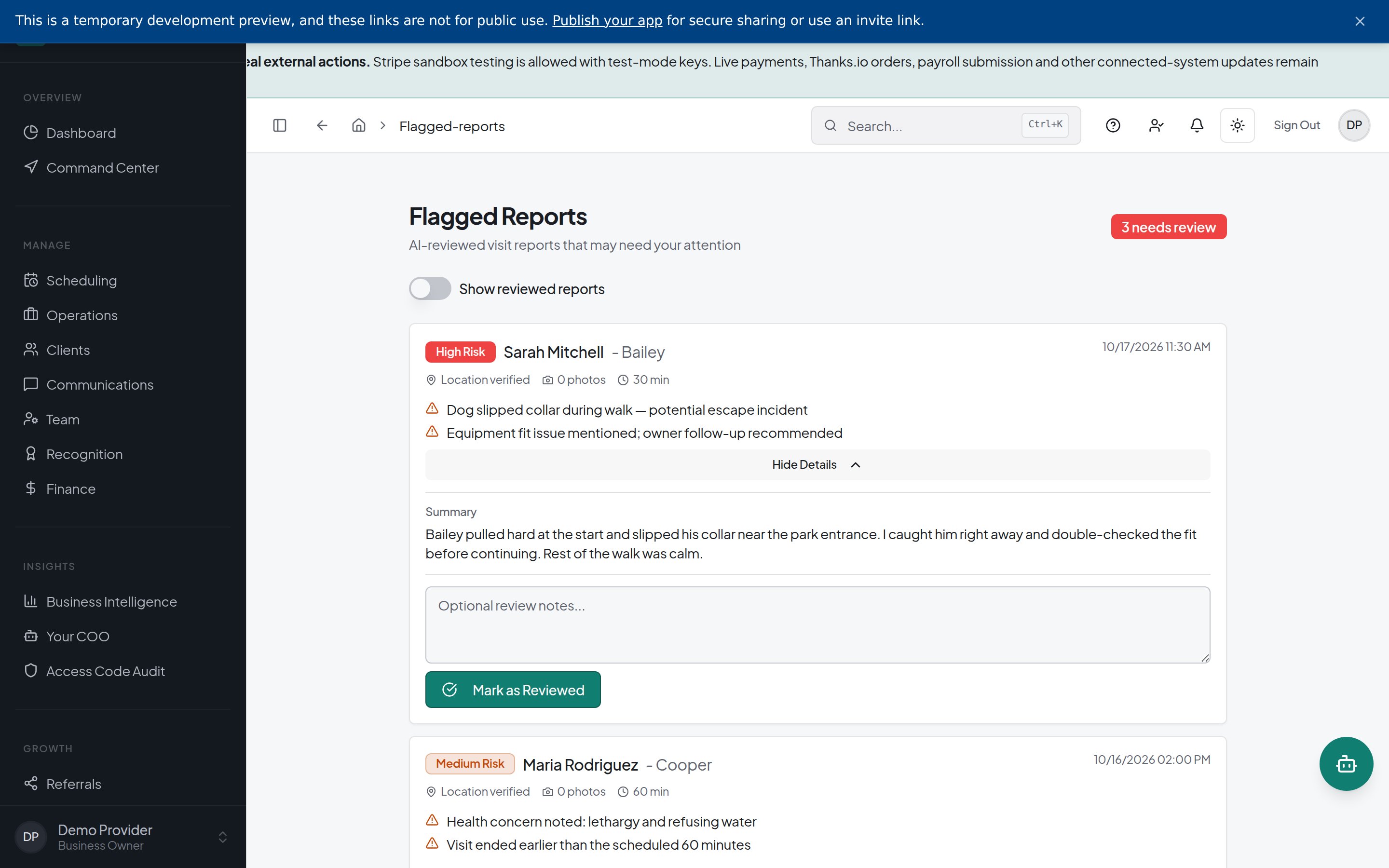
Bring check-in and checkout records, photos, and care notes together in a visit report.
Keep clients informed and review reports needing follow-up.
Visit report details
Build Shifts and Fill Coverage Gaps
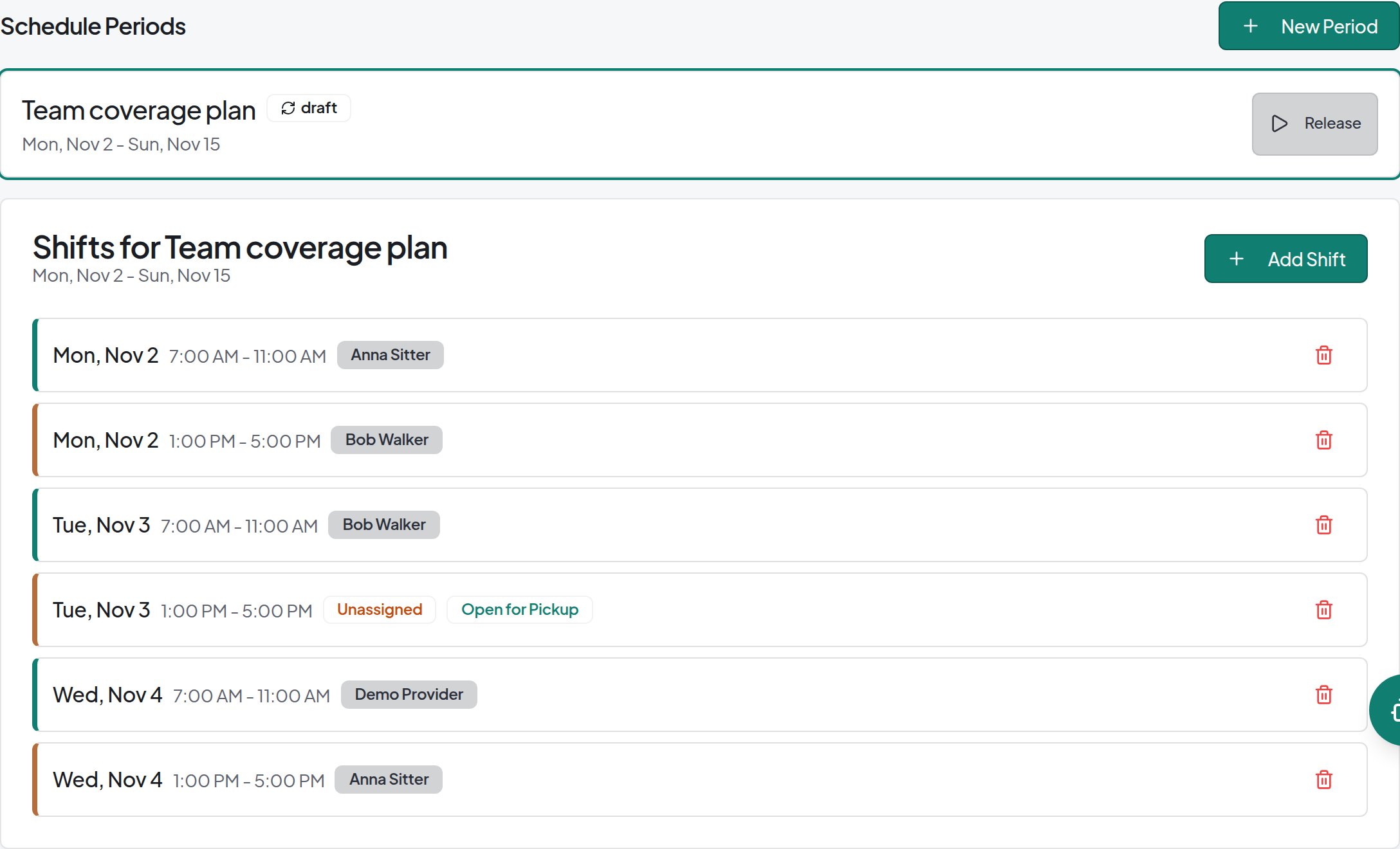
Build staff schedules using reusable shift templates.
Assign shifts or post open shifts for team members to claim.
Manage shift trades with manager approval.
Spot staffing gaps with coverage reporting.
Team Pay With Service-Specific Rates
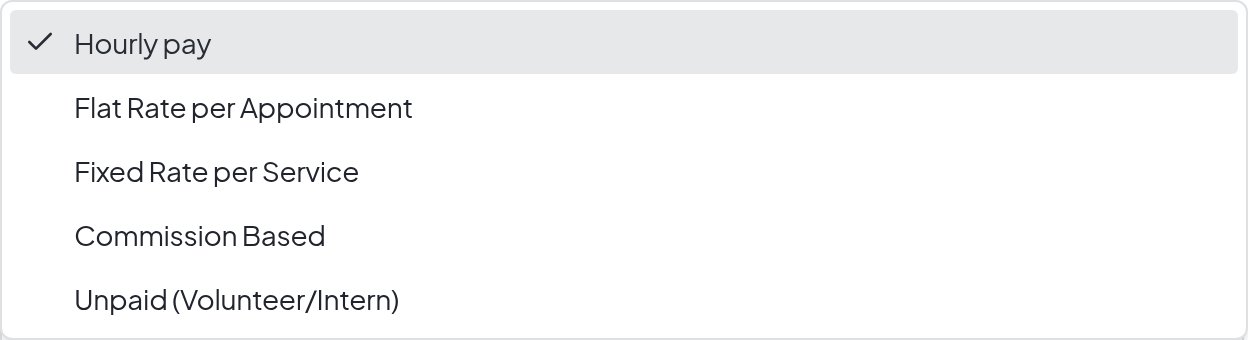
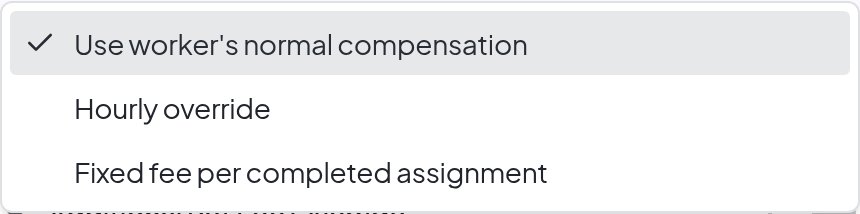
Use hourly, per-visit, or commission-based pay, with service-specific overrides.
Configure a dedicated service when sleeping-time work needs a separate pay rate.
EXPLORE DOG WALKER CENTRAL
Explore the capabilities that fit your business.
Set how a specific service pays